Run a Motel Guests & Staff Roster
Know who walks through the door—and who you hire to keep them happy.
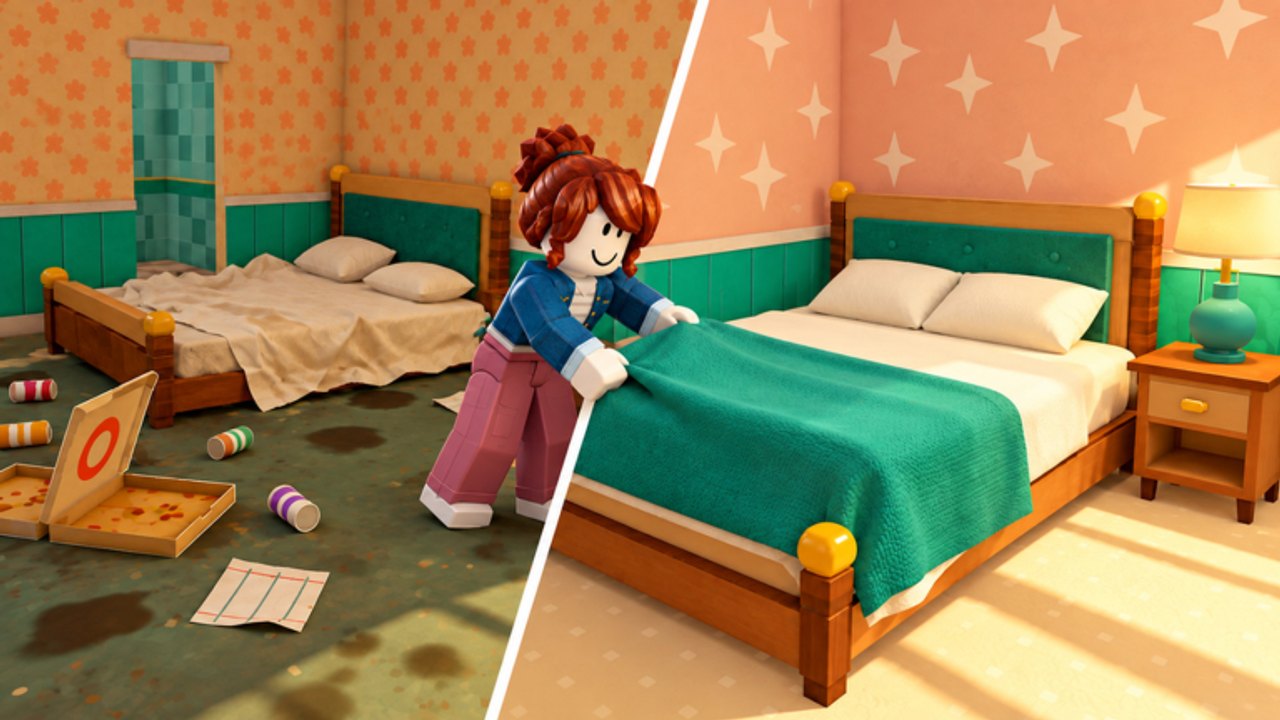
The Players Hub on this wiki is your guest and staff roster center for Run a Motel. Instead of combat characters, you manage people: truckers rolling in off the highway, rock stars chasing late-night energy, families needing space, newlyweds hunting a clean romantic corner, a hotel inspector with a clipboard, and guests who bring pets or ask for special layouts. Your hired staff sit on the other side of the ledger—wages that buy time so reviews stay high.
Learn the loop in Getting Started, then use this hub to match rooms and amenities to whoever just rang the desk. Spend decisions stay sharper when you combine roster knowledge with the Tier List Hub.
Why guest identity matters
Every happy guest pays, tips, and leaves a review. More stars bring more guests. That feedback loop is the entire tycoon. Treating every arrival like a generic NPC wastes Comfort and VIP investments. A trucker may reward fast keys and a solid Regular/Comfort bed more than a chandelier. A rock star notices room service lag. An inspector ignores your neon flex if the hallway mop trail is still wet—in a bad way.
Deep profiles live on Guest Types. For pet mess policy and corner-room assignment habits, open Pets & Special Corners. Watch how staff coverage interacts with those arrivals via Staff Priority.
Roster map
Guests (player-facing demand)
- Truckers — Volume, speed, reliable beds.
- Rock stars — Prestige rooms, service calls, noise-tolerant energy.
- Families — Space, Comfort seating, pool value later.
- Newlyweds — Clean bathrooms, lamps, calm VIP/Comfort showcase.
- Hotel inspector — Stress test for cleanliness and readiness.
- Pet owners — Extra mess tax; policy choices matter.
- Special corner requests — Flexible rooms beat identical clones.
Staff (supply side)
Hired help covers cleaning, laundry, desk overflow, hospitality, yard, and pool towels as you expand. Do not hire blind—follow Staff Priority and the motel-wide ladder on Upgrade Priority. Room quality targets stay on Room Tiers.
How to use this hub in a shift
- Identify the next arrival type (or wave mix).
- Assign the best ready room tier for that guest.
- Pre-stage laundry/beds on that door.
- If backlog threatens reviews, pull the matching staff role.
- After inspector or VIP nights, reinvest tips using the tier lists.
Co-op tip: one player can “host” premium guests while another owns laundry. Scripts that Auto Check-In or Turn away pets change the feel of the roster—read Scripts Hub and Autofarm Script before automating hospitality judgment calls.
Links for operators
- Guest Types — full guest deep dive (featured)
- Pets & Special Corners — pet mess policy, turnaway timing, and corner-room desk habits
- Staff Priority — hiring breakpoints
- Guides Hub — manual skill
- Codes Hub — gifts that fund furniture/wages
- Updates Hub — when new guest or staff systems ship
- Official Links — favorite the Roblox page for announcements
Design philosophy of this roster
Dofaminum Studio built a sim/tycoon where personality shows up at the desk. Your job is translation: personality → room tier → chore urgency → optional staff. When EXPAND-style content adds pool flair or second-floor wings (EXPAND Update), re-check which guests value the new space.
Keep this hub bookmarked as your “who is here?” panel, then jump into Guest Types whenever a new face confuses your upgrade plan.
Frequently Asked Questions
Quick answers to the most common questions.
Is this a combat character roster?
No. In Run a Motel, Players means guests you host and staff you hire—the people who drive reviews and chores.
Where do I learn each guest in detail?
Open the Guest Types page linked from this hub for truckers, rock stars, families, newlyweds, the inspector, pets, and special requests.
How do staff fit into this hub?
Staff are the supply side of the roster. Use Staff Priority for hire timing, then return here to match coverage to guest waves.
Do pets count as guests?
Pets arrive with guests and add mess pressure. Decide whether to accommodate or turn them away based on cleaning capacity.
Will new updates add guest types?
Possible. Watch the Updates Hub and favorite the game so roster changes are not a surprise.